Ultimate Guide to Successful E-commerce Checkout Optimization: Reduce Cart Abandonment in 2025
Boost sales with our guide to e-commerce checkout optimization. Learn how to reduce cart abandonment, improve checkout process UX, and build trust with secure payment gateways. Discover proven strategies to streamline checkout, increase conversions, and keep customers coming back.
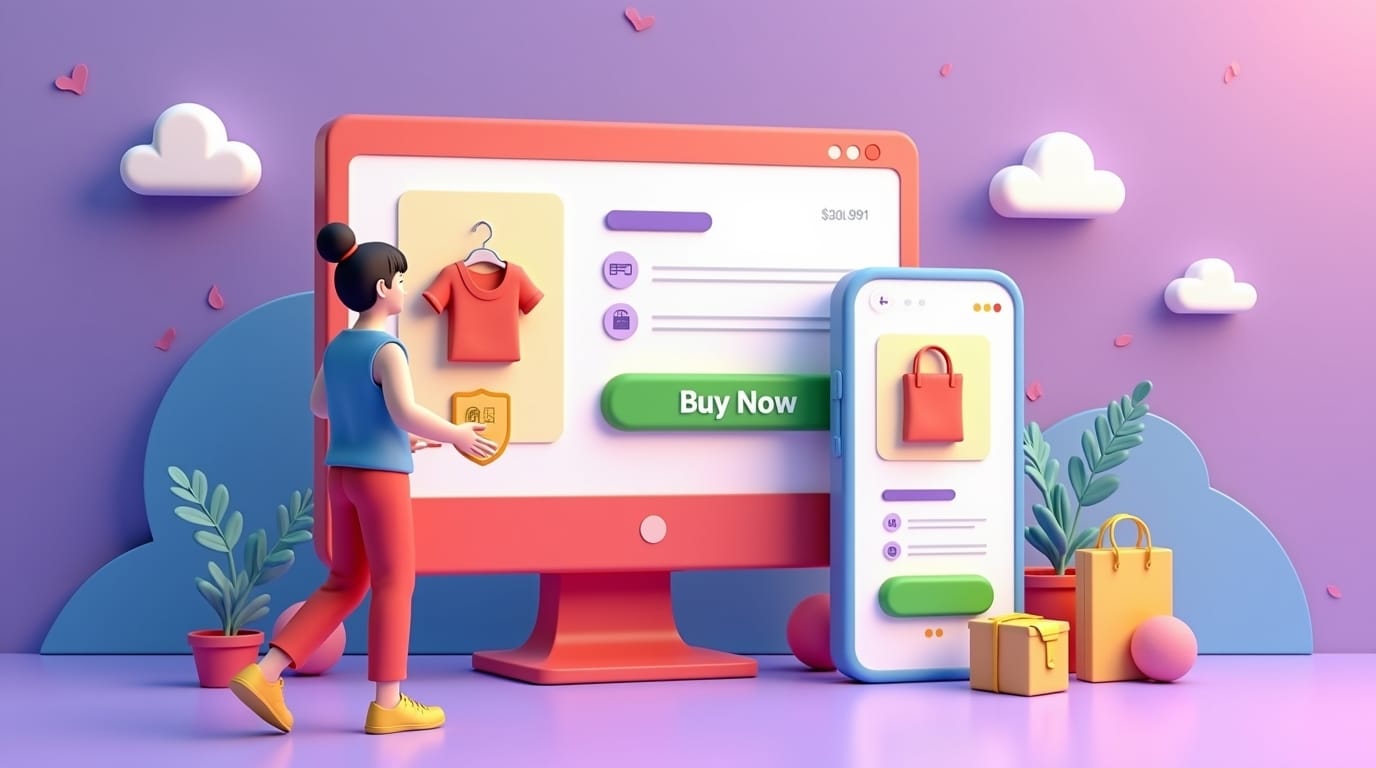
E-commerce checkout optimization starts where the adventure ride ends, right at the checkout. Seriously, it’s decision time. Even a tiny bump in the road here can send shoppers running, abandoning their carts. Picture this: you’ve carefully chosen your items, only to face a checkout that’s confusing or feels shady. It’s a serious problem that hits e-commerce businesses everywhere.
A smooth, safe, and friendly checkout isn’t just a nice-to-have; If you want to change those casual onlookers into paying, happy customers. It’s what separates the online shops that thrive from those struggling to pay the bills. So, how do you create a checkout experience that’s so easy and trustworthy, people can’t wait to click “buy”? We’re diving into ways to boost your e-commerce checkout, cutting down on those roadblocks and turning those abandoned carts into completed sales.
Ready to reduce cart abandonmen t, make your checkout process UX way better, and lock down your secure payment gateway? When it’s optimized correctly, expect more revenue and loyal customers. Let’s jump in! Optimizing checkout is just one part of creating a high-performing online store. For a complete breakdown of how to improve every stage of your e-commerce user journey, explore our Ultimate Guide to E-commerce UX .
Understanding Checkout Abandonment: Why Customers Leave Imagine filling your basket at the store only to ditch it all at the register because of some hidden fee or ridiculous payment process. That’s pretty much what happens online. E-commerce checkout optimization means removing those friction points so customers complete their purchase. Common Reasons for Cart Abandonment: Hidden Costs: This is a big one. Surprise fees for shipping, taxes, whatever… people hate that.
Studies show almost two thirds of shoppers bail when they see unexpected costs (Baymard Institute). Be upfront! Show all costs from the start to avoid those last-minute exits. Throw that shipping calculator up front; informed customers are happy customers. Transparency works. Complex Forms: Long, confusing forms are a guaranteed sale killer. People don’t have the patience. Studies show that simplifying forms can seriously boost conversion rates, by 30%.
Every extra field is one more reason for them to click away. Forced Account Creation: Making people create an account before they buy? Huge turnoff, especially for new customers. Research suggests offering guest checkout can boost conversion rates by a lot: nearly half extra (45%)! Let them buy without signing up, then watch those numbers climb. Security Concerns: Worried about security? No sale. If anything looks off - no SSL, sketchy payment page - they’re gone.
An SSL certificate isn’t just a behind-the-scenes tech thing; customers can see that lock symbol. Slow Loading Times: If your pages are slow, you’re losing people, fast. Google says half of mobile users bounce if a page takes more than three seconds to load. Optimize those images, use browser caching, and think about a CDN to speed things up. Limited Payment Options: Can’t pay how they want? They might leave. Offer lots of ways to pay to make sure you don’t miss a sale.
The Impact of a Poor Checkout Experience on Conversions: A bad checkout process has a direct link and effect to that of a decrease of revenue. Every abandoned cart represents a missed opportunity for a sale. A bad check out experience can hurt the opportunity to bring in future business. Customers will be 50% less likely to return to the retailer if they had a negative online shopping experience. A secure process and experience cultivates returning customers.
Furthermore, a poor experience can lead to bad reviews and negative sentiment online, and it can create brand perception issues. Bad information is going to get out fast, so you should invest in a smooth, secure experience, it will grow conversions, and build customer loyalty. Key Metrics to Track for Checkout Optimization: If you are going to analyze performance by using key metrics, its crucial for effectiveness. Cart Abandonment Rate: It should be clear at this point.
People leaving before they complete a purchase is a huge problem. Industry averages are high, between 60-80% (Baymard Institute). Lower this by fixing the causes. Conversion Rate by Step: Watch the numbers at each step to see where people are dropping off. Having problems with shipping options or payment information? Knowing where it’s going badly will inform you what needs to be improved.
Average Order Value (AOV): While this is not directly tied to abandonment, an optimized checkout will indirectly improve the AOV. An easy/smooth checkout process can entice customers to add more stuff. By monitoring everything, fix bottlenecks and have more data-driven decisions. Designing a Seamless Multi-Step Checkout Flow Think of a checkout flow as directing traffic on a busy highway.
The goal is to guide users intuitively from point A (cart) to point B (order confirmation) with the utmost efficiency and minimal obstacles. Minimizing Steps and Form Fields: Steps and forms should be easy. Streamline the process by: Pre-filling Information: Auto-fill forms whenever possible. Using Smart Defaults: Set defaults for menus/buttons. Consolidating Pages: Combine pages, information, questions.
Address Autocompletion: Integrate an address autocompletion service to expedite address entry. Address autocompletion minimizes errors and saves significant time, contributing to a smoother user experience. Reduce the Amount of Information Required Immediately: Only request a bare minimum amount of data from the customer upfront, such as their email address and perhaps shipping address. Defer other optional information until after the customer makes the purchase decision.
Offer the simplest payment option. Progress Indicators and Clear Navigation: Visual aids and intuitive navigation are key to guiding users through the checkout flow. Progress Bars: Display a progress bar to clearly indicate how far users are in the checkout process. Numbered Steps: Break down the checkout process into manageable chunks using numbered steps (e.g., 1. Shipping, 2. Payment, 3. Review). Numbered steps organize the process and provide a clear roadmap for users.
Clear Navigation (Back Buttons): Provide prominent “Back” buttons on each page to allow users to easily correct mistakes or change their selections. Ensure that back buttons are labelled clearly and positioned consistently for ease of use. Descriptive Labels: Clarity in labelling is paramount. Use concise labels for all form fields and buttons to minimize ambiguity. Use straightforward, plain language that everybody can understand - avoid all jargon that a user may not be able to access.
Guest Checkout vs. Account Creation: Offering Flexibility: Providing both guest checkout and account creation options offers an optimal blend of convenience and value. Guest Checkout: Enable first-time buyers to quickly complete their purchase without the obligation of creating an account. Guest checkout reduces friction and encourages immediate conversions. Account Creation: Make it clear that account creation is optional and that their information will be securely stored.
A great opportunity to offer account creation is after the purchase is complete, the customer will be more willing since they have seen the value of doing business with you. Flexibility ensures the checkout process UX is improved, while reducing cart abandonment . Ensuring Security and Trust in Payments In e-commerce, trust is the only thing that ensures success. Customers want their info to be safe.
Integrating Secure Payment Gateways and SSL Certificates: Secure Payment Gateways: Use gateways compliant with PCI DSS standards and prevent fraud. SSL Certificates: Encrypt data. Displaying Trust Badges and Security Seals Prominently: Trust Badges: Use badges for security. Security Seals: Use them on the site footer, or payment page. Clear Security Policy: Provide